Search any artist, browse their setlists, and create Apple Music playlists — so you're ready before the lights go down.
Join the TestFlight BetaFree on iOS · Requires Apple Music
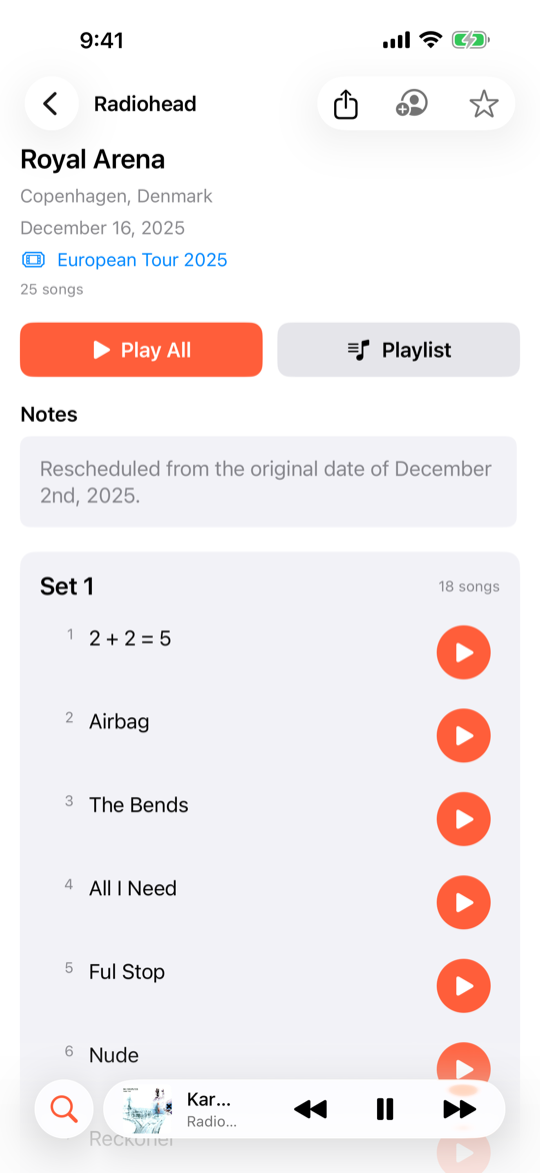
Browse setlists & play songs
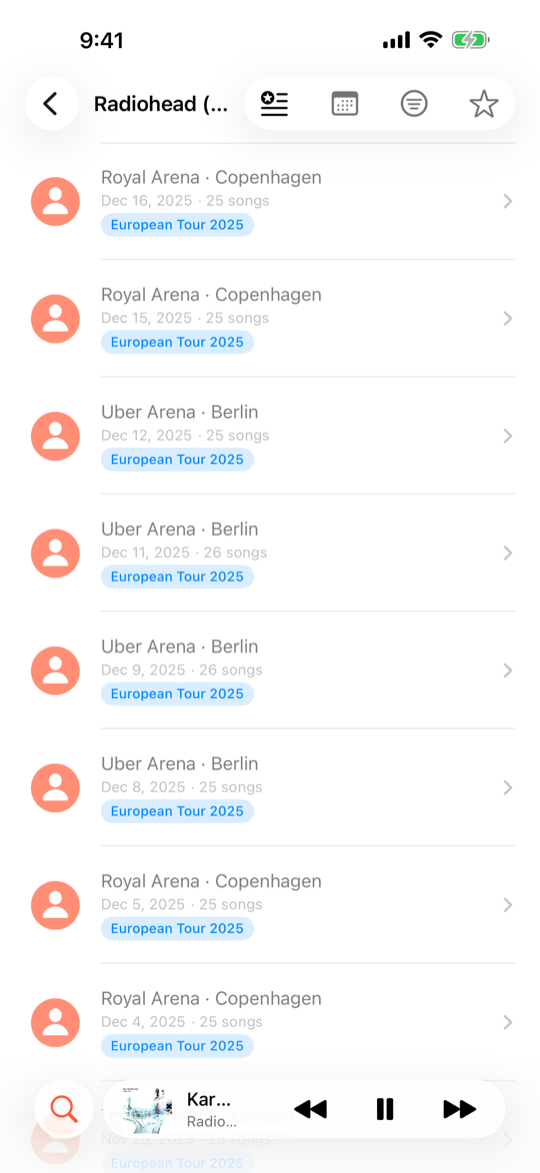
Explore concert history
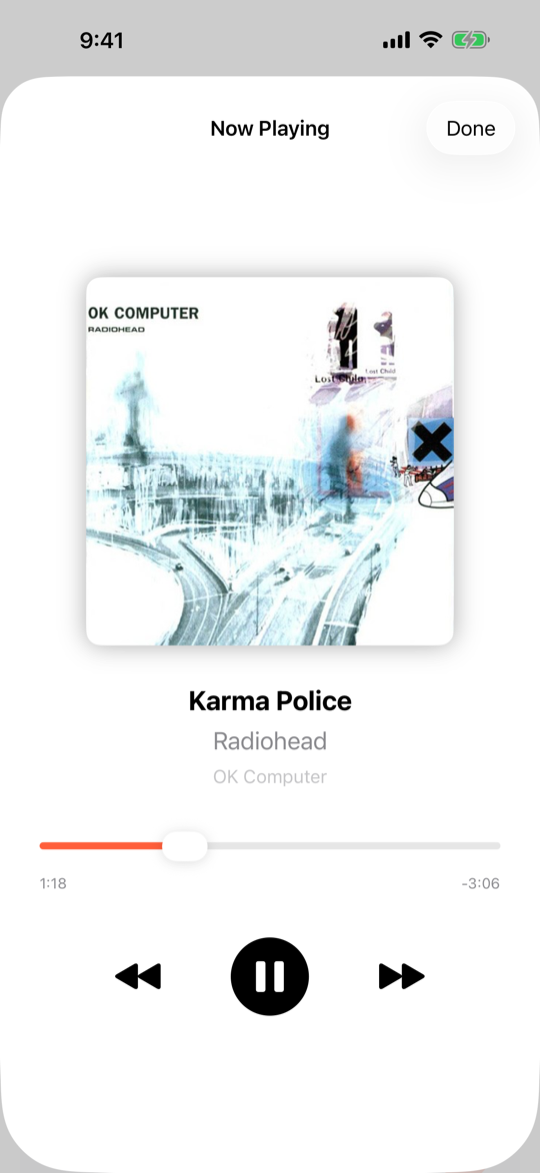
Listen with Apple Music
Powered by setlist.fm data and Apple Music integration.
Find any artist or venue and explore their complete concert history.
See every song played at a show, organized by set, with tour and date info.
Turn any setlist into an Apple Music playlist with one tap.
Prep playlists pull from recent setlists so you know what to expect.
Generate a shareable image of any setlist for social media or group chats.
Mark concerts you've attended and build your personal show history.
Tour names come from setlist.fm data, where they're attached to individual concert entries rather than available as a separate list. When you open an artist, SetListr prefetches several pages of setlists in the background to populate the tour filter.
As you scroll through more concerts, any newly discovered tours are added automatically. For artists with very long histories (thousands of shows), the filter becomes more complete the more you browse.
SetListr tracks your attended concerts locally on your device. When you mark a show, we also offer to open the setlist.fm page so you can mark it there too — keeping both in sync.
We open the page in an in-app browser that shares your Safari login, so you're likely already signed in. One tap on setlist.fm's button and you're done. We do it this way because the setlist.fm API is read-only and their terms prohibit automated interactions.
You can browse artists, setlists, and concert history without a subscription. An active Apple Music subscription is required to play songs, create playlists, and use the concert prep feature.
All setlist data comes from setlist.fm, a community-driven database where fans contribute setlists from concerts around the world. If you spot a missing or incorrect setlist, you can contribute directly on their site.
We're looking for concert fans to test the beta and share feedback.
Join on TestFlight